
When a Hayward variable speed pump stops and its CHECK SYSTEM light comes on, the display names the problem: a voltage issue, an overheated drive, an overload, or a number it can't explain. Here's what each message means on the TriStar VS, MaxFlo VS, Super Pump VS and EcoStar, how to reset it, and what to check first, from Hayward's own manuals.
Redzone Pools repairs Hayward, Pentair and Jandy variable-speed pumps across Cypress, Tomball, Katy, Spring and Greater Houston — licensed, insured, usually same day.
A Hayward pump error is a "Check System" message: the CHECK SYSTEM light on the pump's keypad comes on when the pump is experiencing an error condition, and the display names it, such as "Drive overload" or "DC voltage too low". The pump has usually stopped to protect itself.
The TriStar VS 900, MaxFlo VS, MaxFlo VS 500 and Super Pump VS 700 manuals share the same list of messages and give two ways to reset any of them: press Stop/Resume while the message is showing, or turn the power to the pump off and back on. A "Drive overload" can sometimes only be cleared by cycling the power. Hayward's technical training guide is more specific: turn off the power, wait 5 minutes, then turn it back on.
Resetting only clears the message. If the cause is still there, it comes back. On these models the Event Log records the last twenty error or trip conditions, with how long ago each one happened, which is worth reading before you reset anything. The EcoStar has its own set of messages, further down.
If your Hayward pump shows "Error code" followed by a number, the manuals file it under one message: Check System, Error code XX. Hayward says it means the user interface, the keypad, is receiving an error from the motor/drive that it does not understand. Its training guide adds that "XX" stands for any two numbers shown for the error code.
That's why searching for one number rarely finds an answer: Hayward's owner's manuals and its training guide don't publish what each number means. What they do give is the same sequence for every number:
On a Hayward Pro Logic automation panel, the same thing appears as "Error code" and a number with the words "Unknown error", or as "VSP Error" with the error number when the error the pump reports is undefined.
These are the messages in the owner's manuals for the TriStar VS 900, MaxFlo VS, MaxFlo VS 500 and the Super Pump VS 700 family:
| Message | What Hayward says it means | What to check |
|---|---|---|
| DC voltage too high | The drive's internal DC bus voltage is too high (above 400 VDC on the TriStar VS 900) | That the supply voltage at the terminal block is within 10% of the pump's rating: 207 to 253 VAC on a 230-volt pump |
| DC voltage too low | The DC bus voltage is too low (below 230 VDC on the TriStar VS 900) | The same voltage check, plus the power connections at the breaker and the terminal block |
| Drive is overheated | The drive's internal components have overheated | Anything blocking the motor's airflow, and that the air around the pump is below its 122°F (50°C) rating |
| Drive overload | Motor current is too high | The impeller, diffuser, shaft seal and motor, for anything binding |
| Pump has stalled | The drive has lost control over the motor shaft's rotation (Super Pump VS 700 manual and the training guide) | The impeller, diffuser, shaft seal and motor, for anything binding |
| Pump failed to start | The drive wasn't able to start the motor | The impeller, diffuser, shaft seal and motor, for anything binding |
| Motor phase lost | One of the motor phases is open; the motor/drive may need replacing | Hayward Technical Service or a technician |
| Processor failed | A problem with the processor in the motor/drive, which may need replacing | Hayward Technical Service or a technician |
| Communication failed | The keypad and the motor/drive aren't communicating | The connections between the keypad and the motor/drive |
| Memory failed | The drive memory is damaged or corrupted; the motor/drive may need replacing | Hayward Technical Service or a technician |
| Drive comm failed | Communication problems inside the motor/drive, which may need replacing | Hayward Technical Service or a technician |
| Error code XX | The keypad is receiving an error from the motor/drive that it doesn't understand | Power off for 5 minutes, then the connections; see above |
For every message that doesn't clear after a reset and the checks in the table, Hayward's training guide ends in the same place: replace the powerend. That's the motor and drive, not the whole pump, so a failed drive doesn't automatically mean buying a new pump.
The EcoStar (SP3400VSP) and EcoStar SVRS (SP3400VSPVR) have their own set, from Hayward's EcoStar troubleshooting guide:
| Message | What Hayward says it means | What to do |
|---|---|---|
| PFC-Hi Error | The drive detected an overvoltage, with the supply above 280 volts. Hayward says it is NOT a sign that something is wrong with the pump or drive | Turn off the breaker for at least 2 minutes, check the screen is blank, and restore power |
| Prime Failed | The pump couldn't prime within 15 minutes of starting | Air leaks on the suction side, the lid O-ring, and the filter, skimmer and pump baskets |
| Power Interrupt | A brief power interruption of less than 45 seconds. Hayward says it is NOT a problem, just a notification | Nothing: it clears itself within 20 seconds of the outage |
| AC Mains Low | The supply voltage dropped below 185 VAC | Breaker off for at least 2 minutes, then the supply voltage |
| Drive is Overheated | The drive's internal components overheated | The airflow path; then breaker off for 2 minutes. If it comes back, Hayward replaces the drive |
| Heat Sink Overheat | A problem detected inside the EcoStar drive | The motor and drive circuit board for water damage; Hayward's fix is a new drive |
| Stall error / Drive Failed to Start | The pump tried to start three times. Hayward says either message means a failure inside the drive, the motor or both | A technician: water damage, the drive-to-motor connections, whether the motor turns freely |
| SVRS Tripped | SVRS models only: the safety vacuum release system saw the drive's current vary beyond its threshold, and the pump goes idle for at least 15 minutes | Clogged baskets or filter, features that change suction (cleaner, solar) and freeze protection settings |
| Warning No Comm | The display and the drive aren't communicating | The data wire between the display and the drive |
| Memory Failure | The drive memory is damaged or corrupted | Breaker off for at least 2 minutes; if it comes back, the drive needs replacing |
Two of those are worth knowing before you call anyone. A Power Interrupt after a storm flicker is only a notification, and a one-off PFC-Hi clears with a power cycle. If PFC-Hi keeps coming back on a pump run by Hayward automation, Hayward's fix is to wire the pump so it's powered down for at least a minute every 24 hours, which is a job for a technician.
Four of these messages are about the power reaching the pump, not the pump itself: DC voltage too high or too low on the TriStar, MaxFlo and Super Pump, and PFC-Hi and AC Mains Low on the EcoStar. Hayward's first step for the TriStar family is a power cycle with a 5-minute wait. After that, the supply voltage at the pump's terminal block has to be within 10% of its rating, and the connections at the breaker and the terminal block have to be sound.
Measuring voltage at a live terminal block is an electrician's or technician's job, not a homeowner check. If a voltage message keeps returning, have the supply checked before replacing anything on the pump. After a storm, start with our guide to restarting pool equipment after a storm.
Hayward gives the same check for Drive overload, Pump has stalled and Pump failed to start: look at the impeller, diffuser, shaft seal and motor for anything binding. In plain terms, something is making the motor hard to turn, or stopping it.
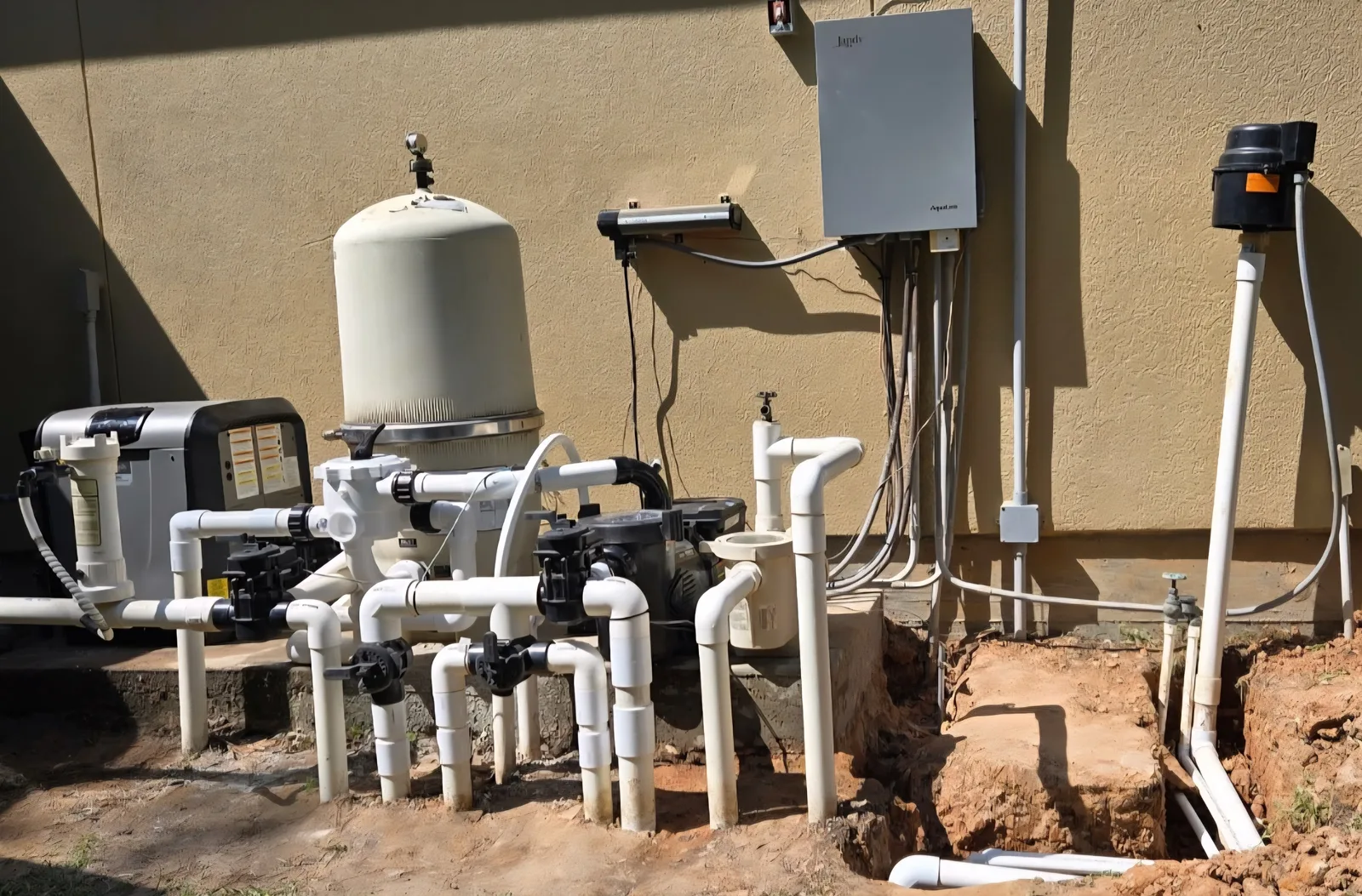
On a Houston equipment pad, debris is a common cause: leaves and small stones that get past the baskets can end up in the impeller. Hayward's troubleshooting says a motor that hums but won't start may have an impeller jammed with debris, and that a qualified repair professional should open the pump and remove it. Our guide to a pool pump losing suction covers how the debris gets in.
On the EcoStar, Hayward's guide says stall errors are most commonly the end result of water getting into the drive or motor, and that repairs after flooding may not be covered by the warranty. If your pad has had standing water, read our guide to a flooded pool equipment pad before running the pump again.
The drive is the electronics that run the motor, and it needs air moving over it. Hayward's training guide checks two things: that the air temperature around the pump is below its 122°F (50°C) rating, then that the motor's airflow path and fan aren't obstructed. Clear leaves, grass clippings or anything stacked against the motor.
If a TriStar-family pump still overheats with a clear airflow path, Hayward's next step is a new powerend. On the EcoStar, a Drive is Overheated message that comes back after a 2-minute power cycle means the drive needs replacing. That's when to call us.
An EcoStar Prime Failed means the pump couldn't prime within 15 minutes. Hayward's checks are the usual ones: air leaks on the suction side, a damaged lid O-ring, and clogged baskets or a dirty filter. Hayward also notes that Auto Prime may not work when the plumbing is smaller than 2 inches; there, it recommends a fixed prime period of 3 minutes or more instead.
On an EcoStar SVRS, Hayward says freeze protection in its automation is often linked to SVRS trips, and that the automation's features should be set up to work with SVRS monitoring. With the first fronts of the season coming, it's worth checking now. Our guide to freeze protection settings shows where Hayward's settings live.
Call when a message keeps coming back after a reset and the checks above, and for anything Hayward sends to its technical service: Motor phase lost, Processor failed, Memory failed, Drive comm failed and a repeating Error code XX. Opening the pump to clear an impeller or replace a shaft seal is a job for a technician too.
Most of our pump repairs fall between $150 and $400. When the drive or motor has failed, Hayward's fix is a new powerend, the motor and drive assembly, rather than a whole pump; our guide to replacing the motor or the whole pump walks through that choice. A new variable-speed pump is typically $2,000 to $2,400 installed.
If you have a Pentair pump instead, see our guide to IntelliFlo pump alarms; for a Jandy, see Jandy VS FloPro faults. For everything else, see pool pump repair.
The CHECK SYSTEM light comes on when the pump is experiencing an error condition, and the display names it, for example Drive overload, Drive is overheated or DC voltage too low. The pump usually stops to protect itself until the error is reset.
Hayward's manuals list every number under one message, Error code XX: the keypad is receiving an error from the motor/drive that it doesn't understand, and XX stands for any two numbers. They don't publish a meaning for each number. Turn the power off for 5 minutes, check the keypad-to-drive connections, and if it returns, Hayward's answer is a new powerend or a call to Hayward Technical Service.
Press Stop/Resume while the message is showing, or turn the power to the pump off and back on; Hayward's training guide says to wait 5 minutes before turning it back on. A Drive overload sometimes only clears with a power cycle. If the cause is still there, the error comes back.
Motor current is too high. Hayward says to check the impeller, diffuser, shaft seal and motor for anything binding. Debris jammed in the impeller is a common cause; opening the pump to clear it is a job for a technician.
The drive saw the supply voltage go above 280 volts. Hayward says it isn't a sign that anything is wrong with the pump or drive: turn off the breaker for at least 2 minutes, make sure the screen goes blank, and restore power.
It couldn't prime within 15 minutes of starting. Check for air leaks on the suction side, the lid O-ring and clogged baskets or a dirty filter. On plumbing smaller than 2 inches, Hayward recommends a fixed prime period of 3 minutes or more instead of Auto Prime.
Tell us the message, or the number, and what happened before it appeared. If a reset and a clean basket fix it, we'll tell you so; if it's the drive, the motor or something jammed inside, we'll come out and repair it. Licensed, insured, serving Cypress and Greater Houston.